|
Xepg |
 |
Auto Import XMLTV EPG into DVBViewer and Recording Service
Downloads
(Do not upload the files anywhere, simply supply the link www.a123.dk, please!)
Info
How to Install/Upgrade
It's not working! What is Supported?
Links
Forum
wiki.xmltv.org
XMLTV standard (DTD)
DVBViewer
New Features
- Support for most type of information potentially present in an XMLTV file. What is Supported?
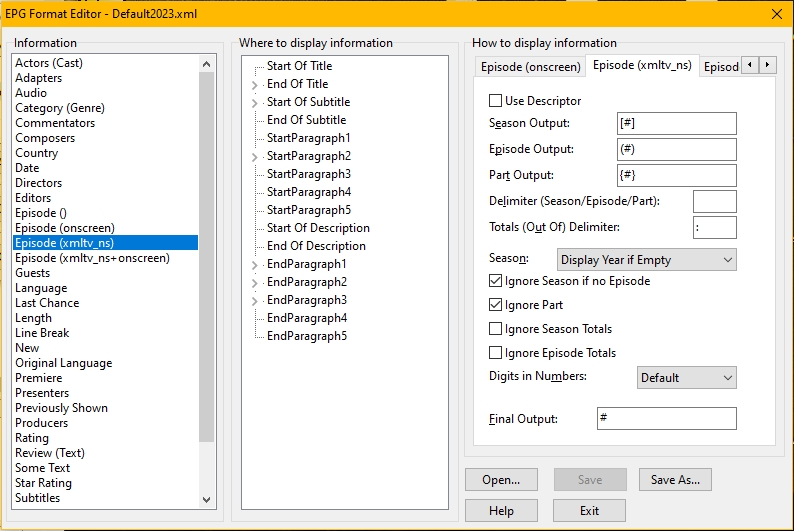
- Format Editor: Use drag and drop to indicate where information should be displayed. A lot of other options. Save settings to a format file of your own.
- Translation tool: Xtranslate.exe. Simply unzip to any folder and run the exe. You can import the Genre (category in XMLTV) translation from DVBViewer, so there isn't really much left to translate. Please share your translation.
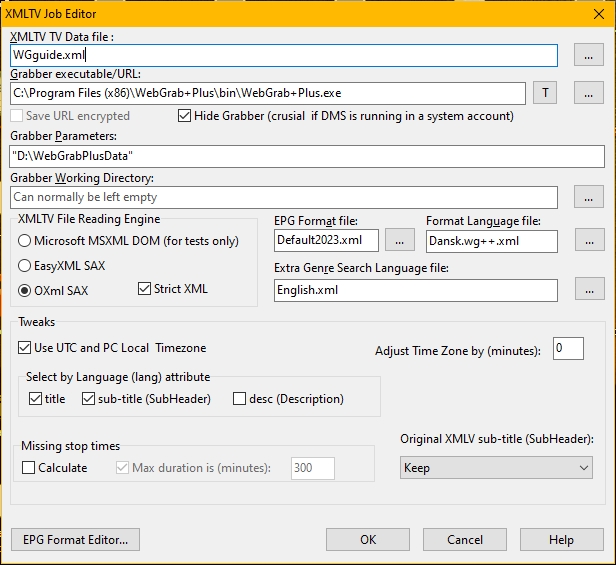
- In XMLTV Job Editor: Select the EPG format file and the translation file to be used for the XMLTV data file in question.
- You can type a URL instead of a grabber executable. Xepg will download the xml file for you. See screenshot below.
Main Features
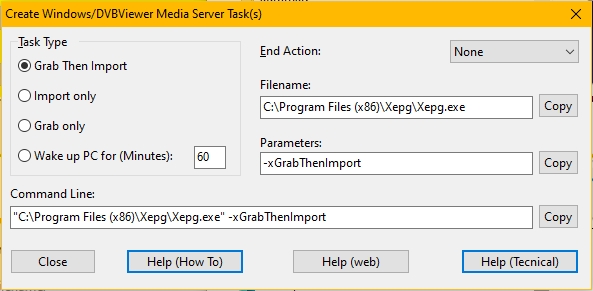
- On a daily (or whatever you want) basis it can wake up the PC at a given time then download XMLTV EPG and import the EPG into DVBViewer or Recording Service. After finishing the job it can put the PC back to Standby/Hibernate.
- Once setup, you will automatically and silently always have an updated EPG!
- Supports multible XMLTV data files with adjustment for Time Zone on a per file basis.
- Mixing of XMLTV EPG and DVB EPG possible.
- Sharing XMLTV EPG over network possible.
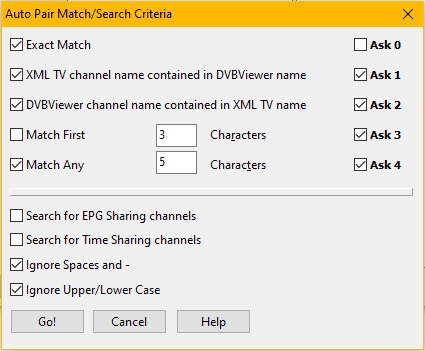
- Auto channel pairing with flexible match criteria.
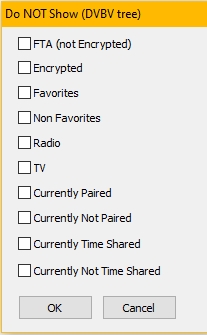
- Several channel searching procedures. Channel hide filters
- EPG Sharing: You have the same TV station on several DVBViewer channels (ie. tuner types).
- Time sharing: Several TV stations share the same DVBViewer channel at different time intervals.
- Recording Service support. An option is to add the Xepg as a Process Task of the service: You then have scheduled a "recording" of the EPG from the internet fully controlled by the service, no need to use the Windows Task Scheduler here!
- Self extracting installer (setupxepg.exe).
- Huge (>1 GB) XMLTV file support (Select the EasyXML SAX Engine when adding a new file to the job list).
- tv channel +1 (one hour later than tv channel) support.
- Correction of bad time settings for individual channels possible.
- Option for calculating missing stop times.
- A help button is present on most windows for ease of use.
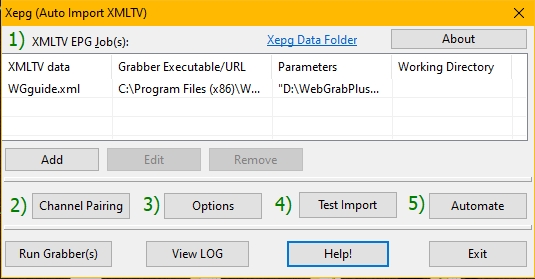
The Main Window
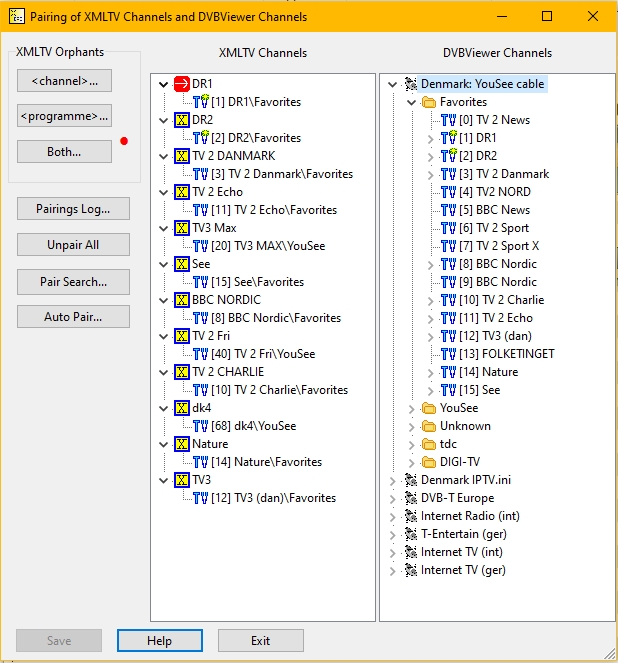
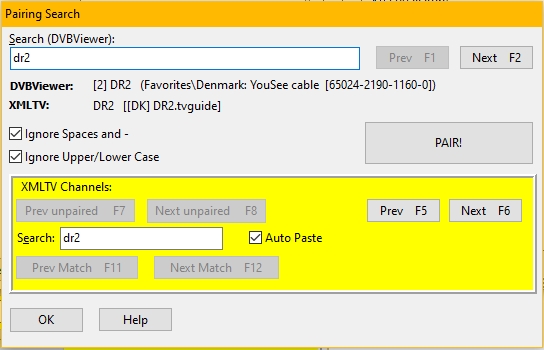
The Channel Pairing window

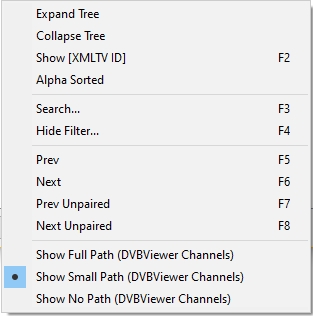
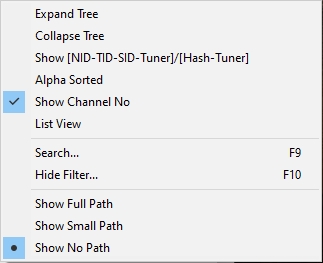
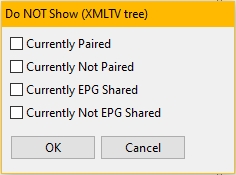
Most important menus/dialogs available in pairing window:
Automating the process